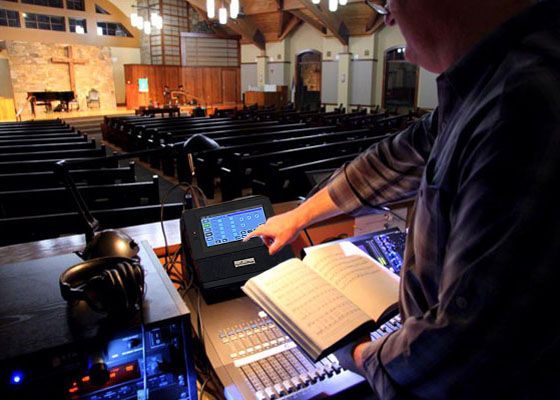


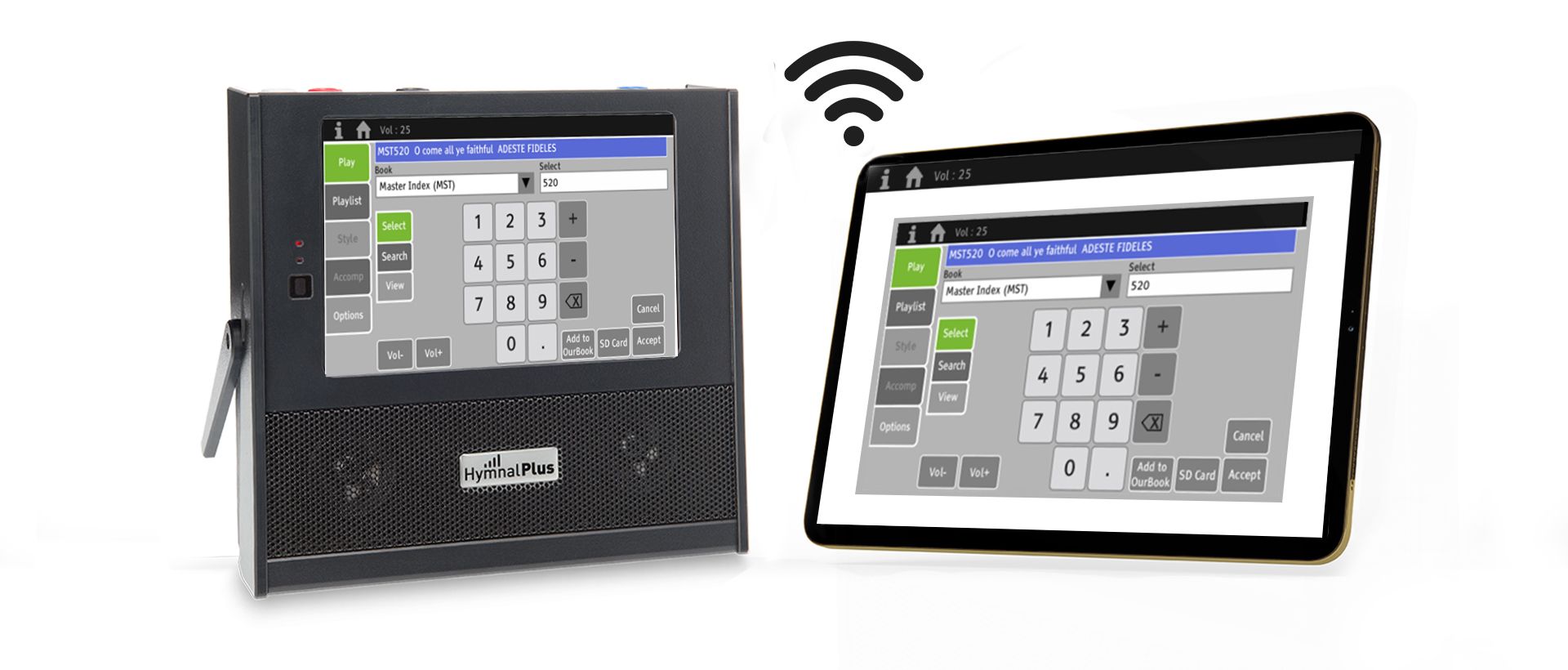
We are delighted to announce the launch of version 3 of the Hymnal Plus HT-400 software/firmware. All existing HT-400 owners can download and install this update from this link . Version 3 adds a major new feature: RF Remote Control . This enables the HT-400 to be controlled from most desktop PCs, laptops, tablets and smartphones, as long as they have Wi-Fi functionality and a web browser app installed. A direct radio frequency (RF) wireless connection is created between the remote device (e.g. tablet) and the HT-400, so no internet connection (Wi-Fi or wired) is required. Once connected, the remote device will display a copy of the HT-400 screen and can be used to control the HT-400 in the same manner. The RF Remote feature is designed for remote control of the HT-400 during a service and most features are available remotely, except for more-involved functions like creating/editing playlists and user styles. Version 3 includes all the features and improvements added in version 2, so any owners with an HT-400 still running version 1 will benefit even more from updating to version 3. Please note: The currently installed software/firmware versions are displayed at the top of the HT-400 Options screen (General sub-tab).
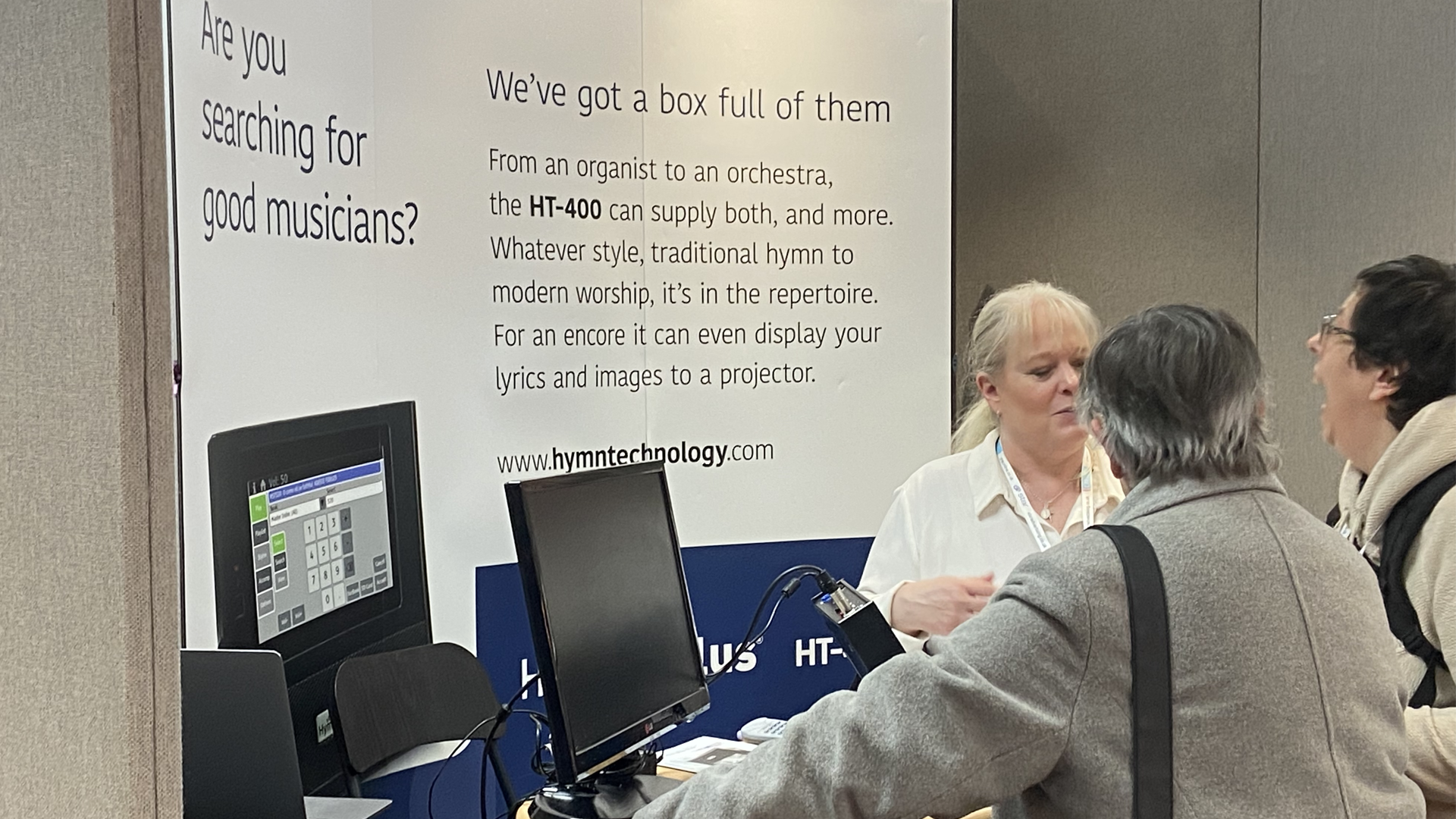
We were thrilled for one of our regional dealers (Every Day Christian Marketing Ltd) to showcase the new, state-of-the-art Hymnal Plus HT-400 at the highly anticipated and much-awaited Christian Resource Exhibition Midlands in Solihull (8th and 9th November 2023). Christian Resoures Exhibitions (CRE) are a must-visit for all UK Christian music enthusiasts and worship leaders, providing a unique opportunity to explore and experience the latest advancements in technology and resources for worship. Visitors witnessed the extraordinary capabilities of the Hymnal Plus HT-400 being demonstrated. This revolutionary device is set to redefine the way we engage with and participate in music in worship, offering a wide range of features and functionalities that will undoubtedly elevate your worship experience to unprecedented heights.
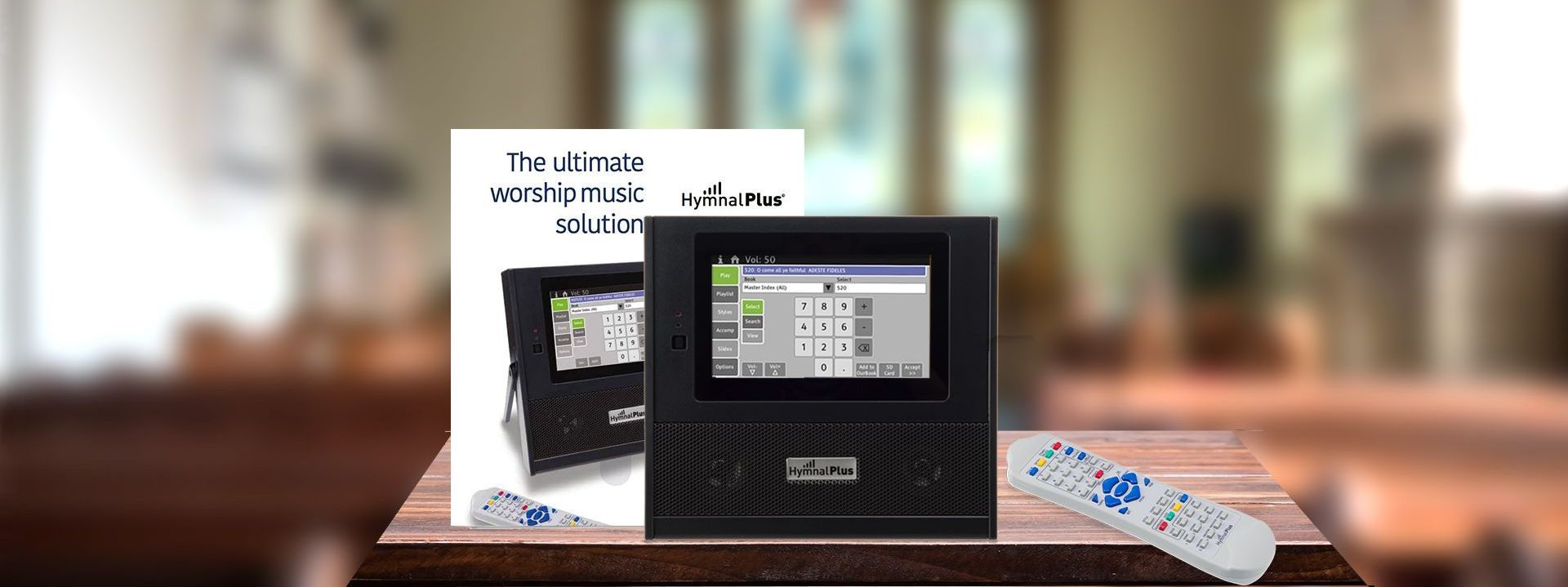
We are pleased to announce that a new Hymnal Plus book upgrade covering Ancient & Modern Hymns & Songs for Refreshing Worship (our code AMR) is now available, priced at £179 inc VAT. The upgrade includes a complete index to the book (including alternate tunes) along with 214 extra recordings that don’t appear in the standard Hymnal Plus UK repertoire. Of these, 128 are brand new for this upgrade. It is compatible with both the HT-300 (running v1.04 or later firmware) and all HT-400 models. Order it here
We are pleased to announce that a new Hymnal Plus book upgrade covering Complete Mission Praise 30th Anniversary Edition is now available, priced at £259 inc VAT. The upgrade includes a complete index to the book (including alternate tunes) along with 530 extra recordings that don’t appear in the standard Hymnal Plus UK repertoire. It is compatible with both the HT-300 (running v1.04 or later firmware) and all HT-400 models. Order it Here
